
We're switching to Euro-Office: the new office in your Nextcloud
 WebOke Support
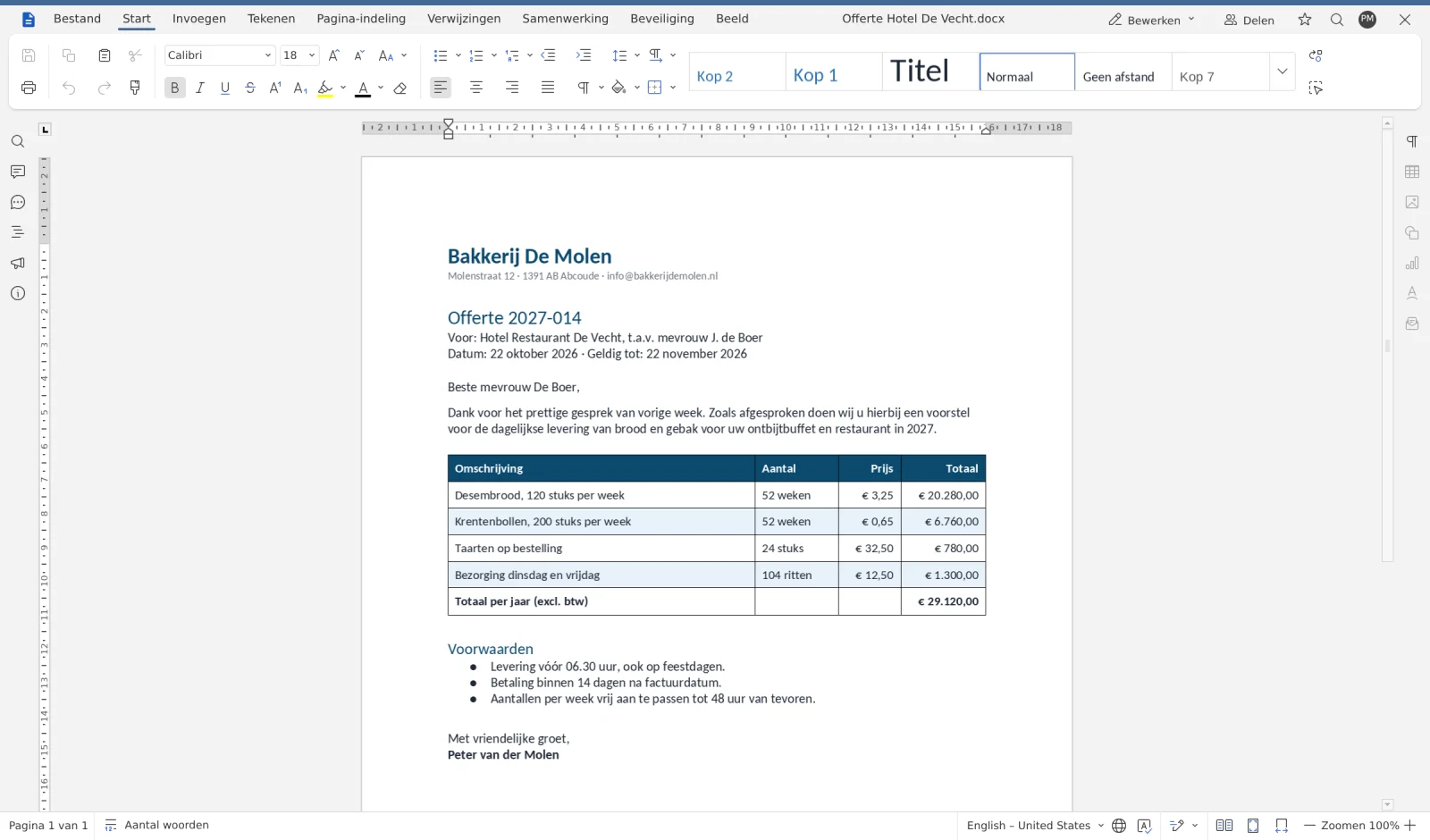
Every Nextcloud with an Office Suite license at WebOké gets a new online office: Euro-Office. From now on, you'll open your documents, spreadsheets and presentations in it, directly in your browser. Below you can read why we're switching, what changes for you and how you can make the switch yourself.
- Euro-Office replaces Collabora as the office in our Nextcloud packages with an Office Suite license.
- At the same time, your Nextcloud moves to version 35. You start this yourself with one button in My products.
- If you do nothing, we'll take care of it by 1 December 2026 at the latest. Your files and settings remain exactly as they are.
Why we're switching
For years, the office in our Nextcloud ran on Collabora Online. It served us well, and it worked. Still, we kept getting the same question: why does my Word file look slightly different than on my laptop? If you work with quotes, contracts and spreadsheets from clients every day, you want a file to look exactly as intended. That's what Euro-Office is built on.
- Your files stay as they are. Euro-Office works directly with the formats of Word, Excel and PowerPoint. Tables, headings, colours and charts appear exactly as they were made, even when a client or supplier sends you a file.
- It feels instantly familiar. The buttons are where you expect them: tabs for Home, Insert and Page Layout, with the style options right next to them. Anyone who works with Office can get started without any explanation.
- European and open source. Euro-Office is open source and runs on our own server in the Netherlands, alongside your Nextcloud. Your documents don't go to an American cloud; they stay with us.
- Work together in the same document. Collaborate with colleagues at the same time in one file, with comments, tracked changes and a chat alongside it. Everyone sees instantly what the others are doing.
Spreadsheets and presentations
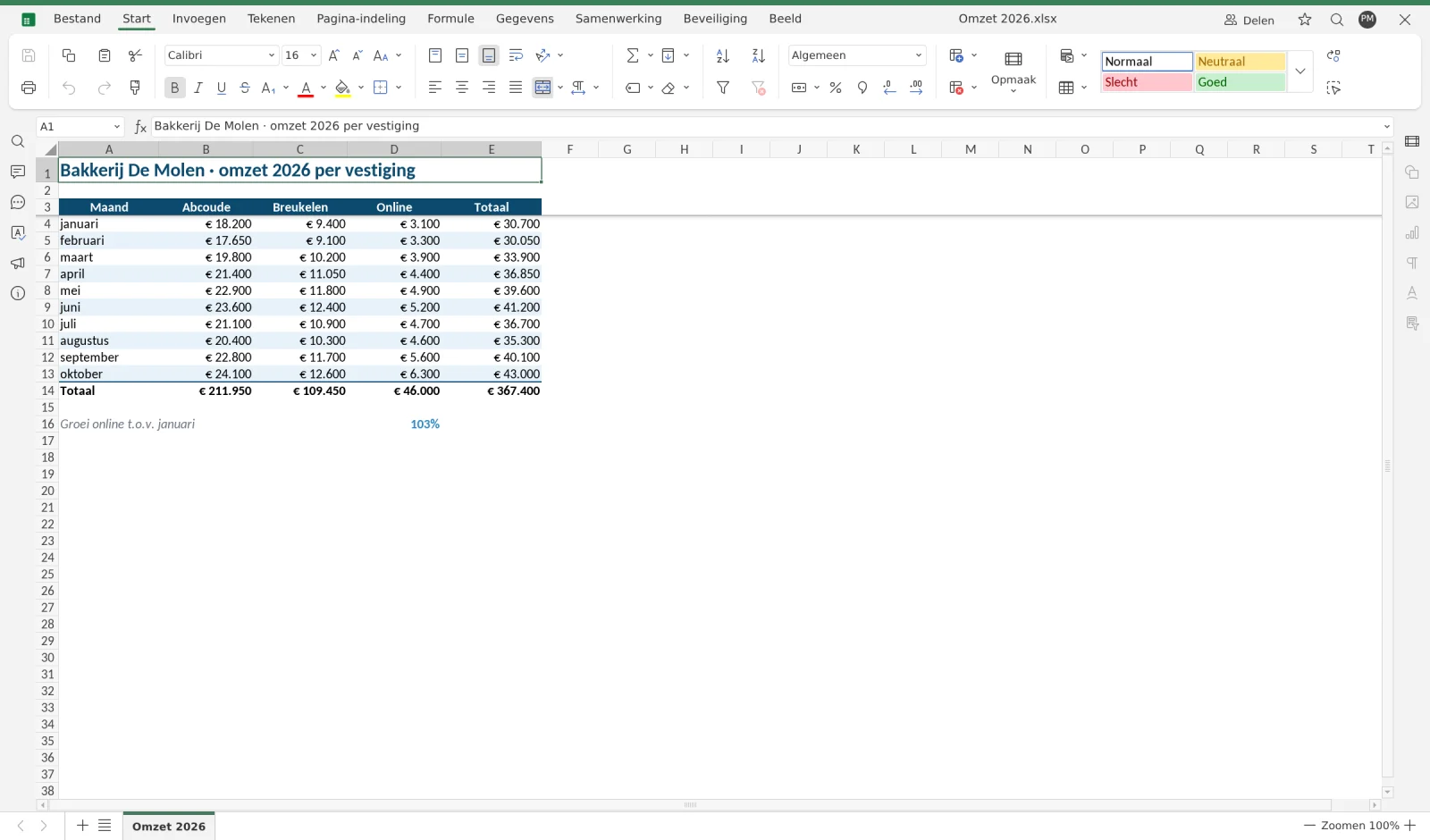
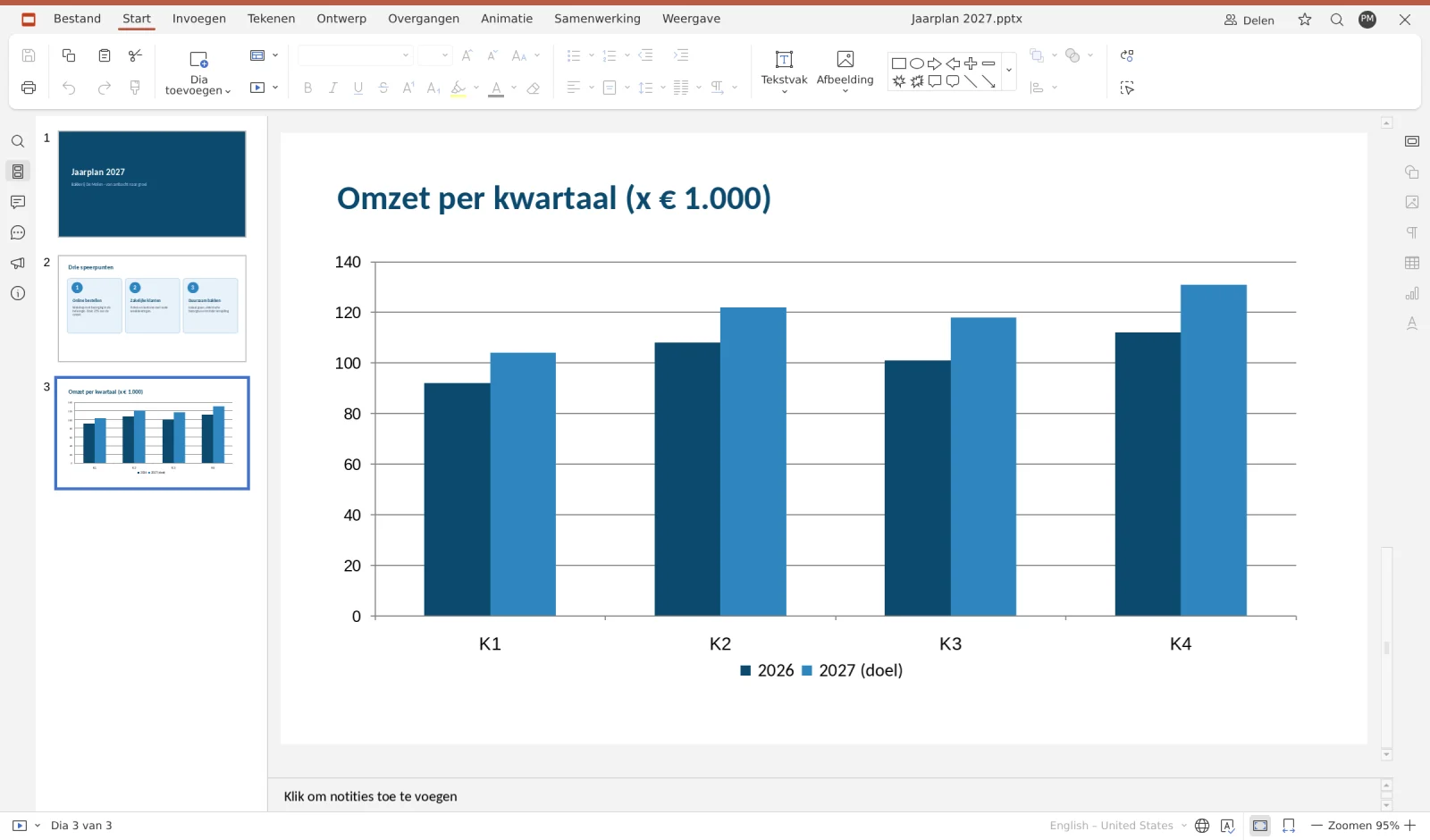
You'll also see the difference in spreadsheets and presentations. Formulas, number formats and colours carry over just as you know them, and a chart in a presentation remains a chart you can edit.
How to switch
Go to My products in My WebOké and open your Nextcloud package. Below the overview of your users and licenses, you'll see the card Nextcloud 35 with Euro-Office. Click the button and the rest happens automatically. The update usually takes 5 to 15 minutes. Your Nextcloud will be briefly unavailable during this time, so save any open documents first. Once it's done, the card will show which version you have.
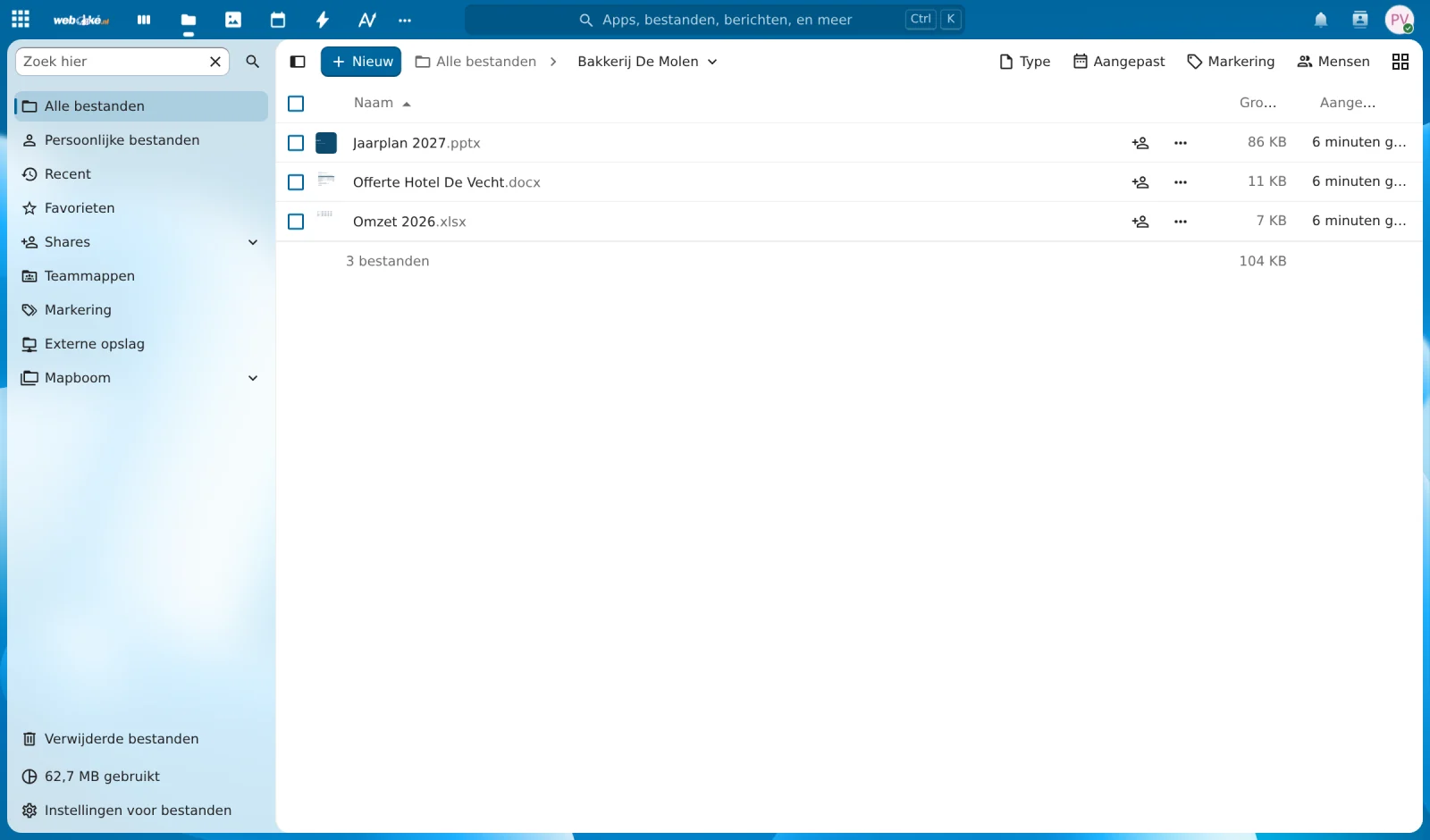
Prefer that we do it for you? Then there's nothing you need to arrange: by 1 December 2026 at the latest, we'll switch over every Nextcloud that hasn't been updated yet.
Will my files and settings be preserved?
Yes. The update only changes the software. Your files, users, shared folders and settings remain exactly as they are.
Does Euro-Office cost extra?
No. Euro-Office is included in your existing Office Suite licenses. Nothing changes about your price.
I don't have an Office Suite license. What changes for me?
Your Nextcloud will move to version 35, with all the improvements and security updates that come with it. If you get an Office Suite license later on, you'll immediately use Euro-Office.
Can I keep using Collabora?
No. We're switching completely to Euro-Office, so everyone has the same, well-maintained office.
Ready for Euro-Office?
Start the update whenever suits you, from your Nextcloud package in My products.
The WebOké team
Read next articles

New: an MCP server for AI. Let your own AI work on your website
Your AI can now work directly on your website at WebOké: editing files, tracking down errors, creating a new design or converting WordPress into a fast static site. We explain what an MCP server is, what it does for you, which packages it applies to and what it costs (nothing extra).
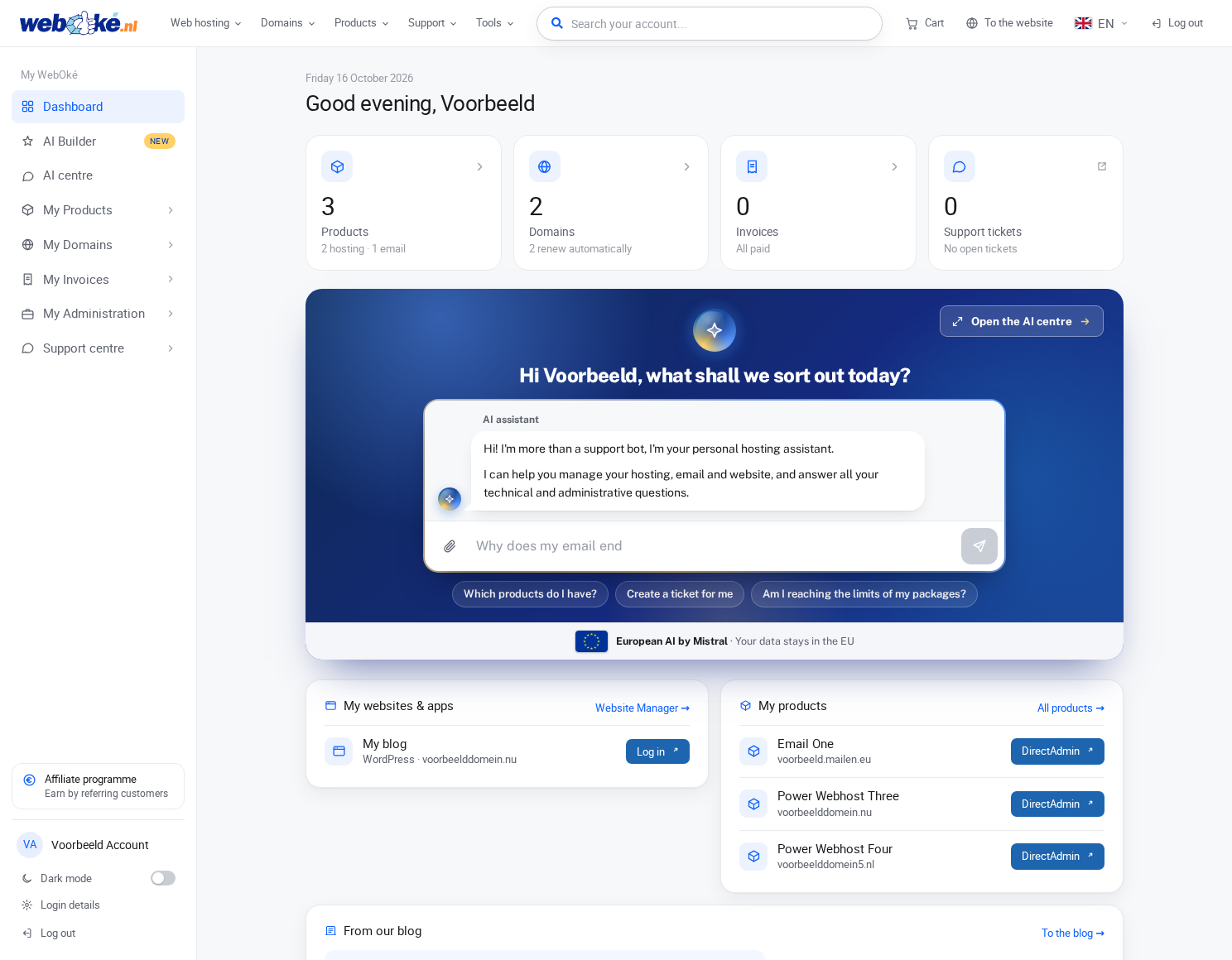
Our new website and My WebOké: why we built everything ourselves
Website made with AI? Here's how to get your vibe-coded site online
You've built a complete website with Claude, ChatGPT, or Gemini, but it's still running on your own computer. So now what? We'll explain how to get your vibe-coded site online in just a few minutes: simply via FTP, or let your AI work directly on our servers via SSH.