Skip to content

Cookie settings

Choose which kinds of cookies you allow. You can change your choice at any time via Cookie settings at the bottom of every page. Privacy statement

Necessary

Always on

Needed to log in, keep your cart and remember your choices. These are always on.

Which cookies?
  • weboke_sessie, weboke_klant, weboke_remember: your session and staying logged in
  • weboke_basket: your cart
  • wkBtwIncl: showing prices with or without VAT
  • wok_cookies: your cookie choice, 12 months

Measures which ad leads to a visit or order, so we do not pay for ads that do nothing.

Which cookies?
  • Google Ads via Google Tag Manager (_gcl_au, _gcl_aw), up to 90 days
  • OpenAI Ads, ads in ChatGPT
  • wok_aff: which partner referred you to us (affiliate programme), 60 days

4.6

Country and language

Each country has its own site, with prices and VAT for that country.

View

Perl Modules en EN-ClamAV

This article has not been translated yet. You are reading the Dutch version.

Onder Systeem Info & Bestanden en Extra Programma's staan nog twee onderdelen die je zelden nodig hebt.

Perl Modules

Perl Modules toont een lijst van alle Perl-modules die op de server zijn geïnstalleerd. Perl is een programmeertaal die vroeger veel werd gebruikt voor scripts in de map cgi-bin. Gebruik je een oud Perl-script dat om een bepaalde module vraagt, dan zie je hier of die er is.
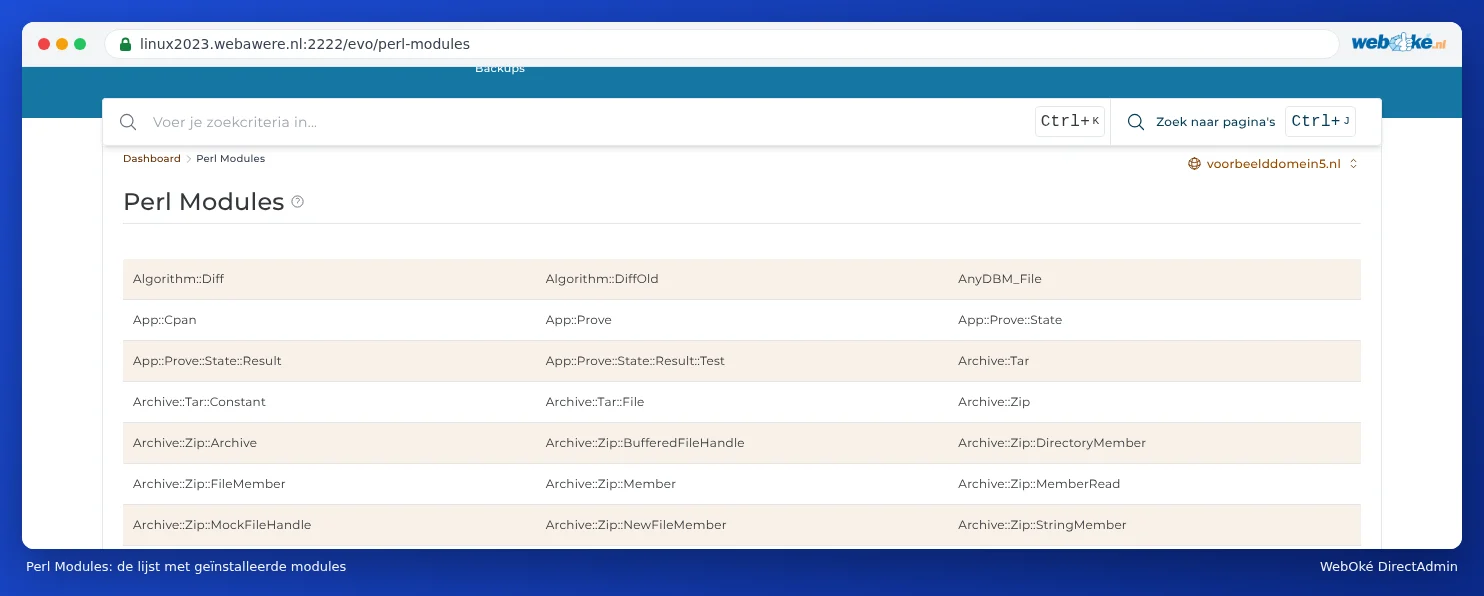
Het onderdeel Perl Modules met een lange lijst modules zoals Algorithm::Diff, Archive::Zip en CGI
De lijst met Perl-modules op de server

Je kunt hier alleen kijken. Zelf modules installeren of verwijderen kan niet. Ontbreekt er een module die je nodig hebt? Maak dan een ticket.

EN-ClamAV

EN-ClamAV is een oudere plugin om bestanden te scannen met de virusscanner ClamAV. Op dit moment werkt de plugin niet: als je hem opent, zie je een foutmelding over de ionCube PHP Loader.

EN-ClamAV met de foutmelding Site error: the ionCube PHP Loader needs to be installed
Wat je nu ziet als je EN-ClamAV opent

Je hebt EN-ClamAV ook niet nodig: Imunify360 scant je pakket al automatisch op malware en controleert elk nieuw bestand (zie Imunify360: je website scannen op malware). Gebruik dus Imunify360.

Tip: De foutmelding gaat over de server, niet over je eigen website. Je hoeft in Select PHP version niets aan te zetten om hem op te lossen.

One moment…

Set up your domains

For each domain, arrange the nameservers, the link to your hosting and who becomes the owner.

Loading your domains…